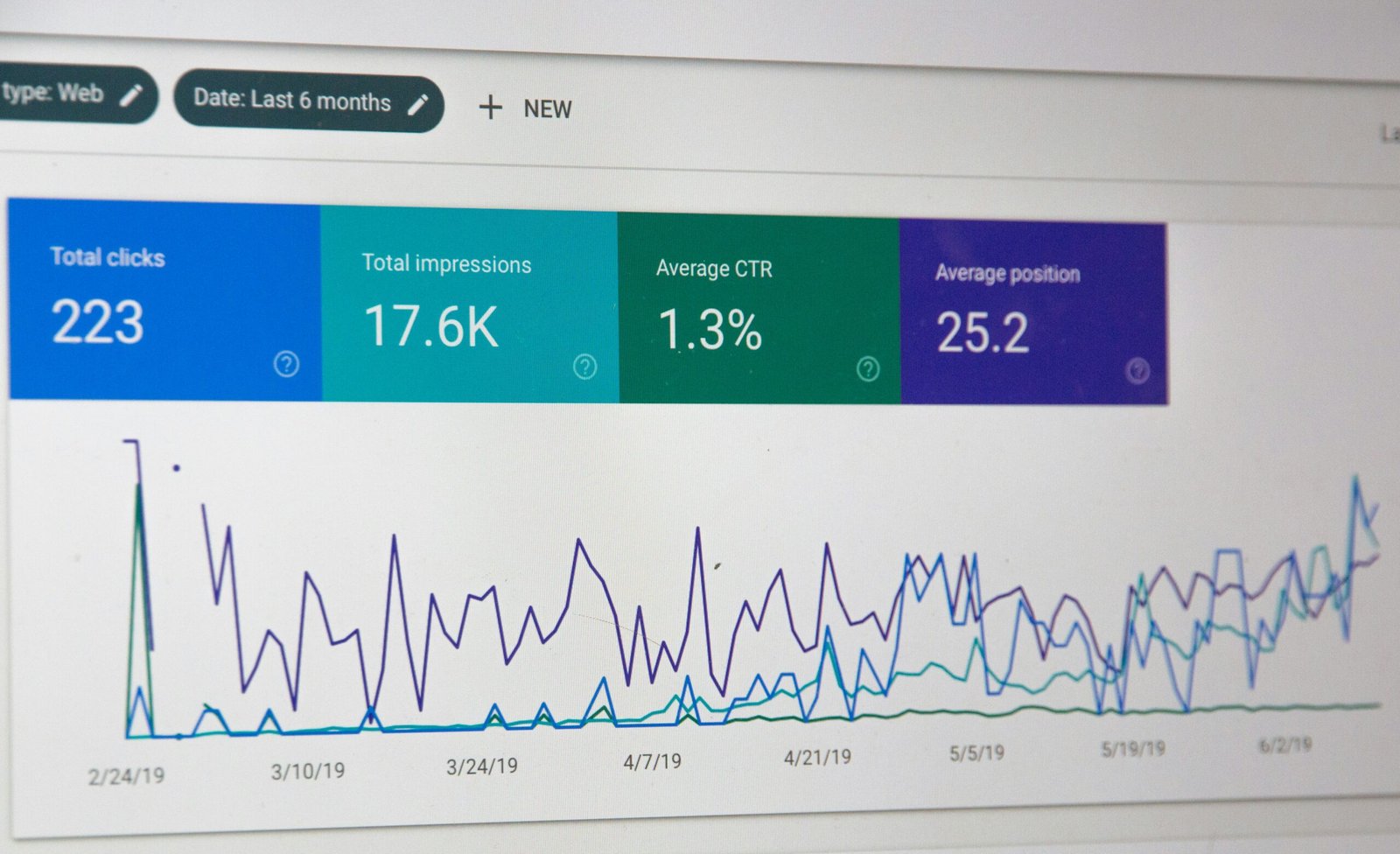
The sinking feeling when you open Google Analytics and see your organic traffic has plummeted overnight is something no website owner ever wants to experience. One day your site is performing beautifully, and the next, your visitor numbers have dropped by 50%, 70%, or even more. This scenario is more common than you might think, and the good news is that recovery is absolutely possible with the right approach.
Understanding why your traffic disappeared and implementing a systematic recovery plan can help you not only bounce back but often emerge with a stronger, more resilient website. This comprehensive guide walks you through the entire recovery process, from diagnosis to implementation, helping you restore your hard-earned search rankings and traffic.
Understanding the Reality of Traffic Drops
Before diving into recovery strategies, it’s important to understand that Google traffic fluctuations happen for numerous reasons. Sometimes the cause is something you did on your website, other times it’s due to changes Google made to its algorithm, and occasionally it results from actions taken by competitors or external factors beyond your control.
The key to successful recovery lies in accurate diagnosis. Applying the wrong solution to misidentified problems wastes precious time and resources while your traffic continues to suffer. Your first priority should always be determining exactly what caused the decline before jumping into action.
In practice, many site owners overlook this critical diagnostic phase and immediately start making random changes to their website—updating content, building links, or redesigning pages without understanding the root cause. This shotgun approach rarely works and can sometimes make the situation worse by introducing new problems while the original issue remains unaddressed.
Step One: Verify the Drop Is Real
Sometimes what appears to be a catastrophic traffic loss is actually a tracking issue or temporary glitch. Before you panic, confirm that you’re experiencing an actual traffic problem rather than a measurement error.
Start by checking Google Search Console to see if your impressions and clicks have genuinely declined. Compare these numbers with your Google Analytics data to ensure both tools are showing similar patterns. If Search Console shows stable impressions but Analytics shows dropping sessions, you might have a tracking code problem rather than a traffic issue.
Look at multiple date ranges to understand the scope and timing of the decline. Did traffic drop suddenly on a specific date, or has it been gradually declining over weeks? Sudden drops often indicate algorithm updates or technical issues, while gradual declines might suggest content quality problems or increasing competition.
Check whether the drop affects your entire site or just specific sections. If only certain pages lost traffic, the issue likely relates to those specific topics or keywords rather than a site-wide penalty or technical problem.
Real-World Example: A health and wellness blog owner once contacted me in panic after seeing a 60% traffic drop. After investigation, we discovered their Google Analytics tracking code had been accidentally removed during a theme update. Search Console showed impressions remained steady—the traffic never actually dropped. Always verify your data before assuming the worst.
Step Two: Identify the Root Cause
Once you’ve confirmed a real traffic decline, detective work begins. The cause typically falls into one of several categories.
Algorithm Updates: Google releases thousands of algorithm changes yearly, with several major updates that can dramatically affect rankings. Check SEO news sites and Google’s official announcements to see if a significant update occurred around the time your traffic dropped. The Search Engine Roundtable and Google Search Central Blog are excellent resources for this information.
Manual Actions: Log into Google Search Console and check the Manual Actions report. If Google’s human reviewers found your site violating their guidelines, you’ll see a notification here. Manual actions are serious but also straightforward because Google tells you exactly what’s wrong.
Technical Issues: Technical problems can devastate your traffic overnight. Common culprits include accidentally blocking search engines with your robots.txt file, adding a noindex tag to important pages, server downtime, drastically slower page speeds, or broken mobile experiences. Use Search Console’s URL Inspection tool to check how Google sees your pages.
Competitor Actions: Sometimes your rankings drop not because you did something wrong but because competitors did something better. They might have published more comprehensive content, earned higher-quality backlinks, or improved their technical SEO. Analyzing top-ranking competitors reveals what changed in the competitive landscape.
Link Profile Issues: If you recently acquired low-quality backlinks or if Google identified manipulative link schemes associated with your site, this could trigger a drop. The link-related algorithm updates can be particularly harsh on sites with questionable link profiles.
Step Three: Conduct a Comprehensive Technical Audit
Technical problems are among the most fixable causes of traffic drops, making them your first priority during recovery.
Begin by crawling your entire website using tools like Screaming Frog, Sitebulb, or similar software. Look for broken links, redirect chains, duplicate content, missing meta tags, and crawl errors. Pay special attention to your most important pages and ensure they’re accessible and properly structured.
Examine your site’s loading speed using Google PageSpeed Insights and Core Web Vitals data in Search Console. Google increasingly prioritizes user experience, and slow-loading pages can significantly harm your rankings. If your speed scores declined recently, this could explain your traffic loss. For a deeper understanding of how site speed impacts your SEO performance, learn more about optimizing Core Web Vitals for better rankings.
Check your mobile experience carefully. With mobile-first indexing, Google predominantly uses the mobile version of your site for ranking purposes. Test your site on actual mobile devices and use Google’s Mobile-Friendly Test tool to identify issues.
Review your robots.txt file and ensure you’re not accidentally blocking important pages or resources. A single misplaced line in this file can prevent Google from crawling significant portions of your site. Similarly, check for unintended noindex tags that might have been added during site updates or by plugins.
Real-World Example: An e-commerce site selling outdoor equipment experienced a sudden 70% traffic drop in March. After thorough investigation, we discovered that a developer had added “Disallow: /” to the robots.txt file during a staging site setup and accidentally pushed it to the live site. Within 48 hours of fixing this single line, Google began recrawling the site, and traffic recovered to normal levels within two weeks. This case illustrates how one small technical error can have devastating consequences.
Verify that your XML sitemap is current, accessible, and properly submitted to Search Console. Your sitemap should include all important pages and exclude low-value pages like tags, archives, or duplicate content.
Step Four: Evaluate Your Content Quality
Content quality has become increasingly central to Google’s ranking decisions. If algorithm updates caused your traffic drop, content issues are often the culprit.
Honestly assess whether your content genuinely serves user needs. Does it provide unique value, or does it simply repackage information available elsewhere? Google’s helpful content system specifically targets sites that create content primarily for search engines rather than people.
Look for thin content across your site. Pages with minimal text, little useful information, or content that doesn’t fully address the topic often struggle in modern search results. Consider consolidating multiple thin pages into comprehensive resources or substantially expanding weak content.
In practice, many site owners overlook the importance of search intent alignment. Your content might be well-written and informative, but if it doesn’t match what searchers actually want when they use a particular keyword, it won’t rank well. For example, if someone searches “best running shoes,” they likely want product recommendations and comparisons, not a 2,000-word history of running shoe development.
Check for content duplication issues both within your site and across the web. Duplicate content doesn’t necessarily trigger penalties, but it does create confusion about which version to rank. Use canonical tags appropriately and ensure each page offers distinct value.
Evaluate your content’s expertise, experience, authoritativeness, and trustworthiness. Google calls this EEAT, and it’s particularly important for topics affecting health, finances, or major life decisions. Add author credentials, cite reputable sources, and demonstrate genuine expertise in your subject matter.
Step Five: Analyze Your Backlink Profile
Your backlink profile significantly influences how Google perceives your site’s authority and trustworthiness. A sudden influx of low-quality links or the loss of important backlinks can both cause traffic drops.
Use tools like Ahrefs, Semrush, or Moz to examine your backlink profile. Look for suspicious patterns such as sudden spikes in new links from irrelevant sites, links with over-optimized anchor text, or links from known link farms or private blog networks.
If you discover problematic backlinks, create a disavow file and submit it through Google Search Console. However, use disavow carefully because incorrectly disavowing legitimate links can harm your rankings further. Focus on obviously manipulative or spammy links.
Conversely, check whether you’ve lost valuable backlinks. If authoritative sites removed links to your content, this could explain ranking declines. Consider reaching out to these sites to understand why links were removed and whether you can regain them by improving your content.
Step Six: Address User Experience Signals
Google increasingly considers how users interact with your site when determining rankings. Poor user experience signals can contribute to traffic losses.
Examine your bounce rate, time on page, and pages per session in Google Analytics. If these metrics worsened around the time your traffic dropped, user experience problems might be contributing to your ranking issues.
Improve your site’s navigation to help visitors find information easily. Clear menus, logical site structure, and effective internal linking all contribute to better user experiences and stronger SEO performance.
Enhance content readability by using shorter paragraphs, subheadings, bullet points, and images that break up text. People scan web content rather than reading every word, so formatting matters tremendously.
Reduce intrusive interstitials and pop-ups, especially on mobile devices. While email capture tools can be valuable, aggressive pop-ups that obstruct content access frustrate users and violate Google’s guidelines.
From my experience working with hundreds of websites, I’ve noticed that site owners frequently underestimate how much aggressive advertising impacts user experience. A site plastered with banner ads, auto-playing videos, and pop-ups might generate short-term revenue, but Google increasingly penalizes such experiences, leading to long-term traffic losses that far outweigh the advertising income.
Step Seven: Refresh and Expand Your Content
Once you’ve addressed technical and user experience issues, turn your attention to improving and expanding your content.
Start with your historically best-performing pages that lost traffic. Update statistics, add new information, include additional examples, and ensure content reflects current best practices in your industry. Often, simply refreshing dated content can restore lost rankings.
Expand thin content into comprehensive resources. If you have a 500-word article ranking for a competitive keyword, consider expanding it to 2,000 words with detailed explanations, examples, images, and actionable advice. More comprehensive content often outranks shallow alternatives.
Add new content formats to increase engagement. Supplement text with images, infographics, videos, or interactive elements. Diverse content formats appeal to different learning styles and can increase time on page.
Target featured snippets and People Also Ask boxes by structuring content to directly answer common questions. Use clear question-and-answer formats, concise definitions, and well-organized lists that Google can easily extract for rich results.
Step Eight: Strengthen Your Topical Authority
Modern SEO rewards sites that demonstrate comprehensive expertise in their subject areas rather than scattered information across disconnected topics.
Create topic clusters by organizing content around core pillar topics with supporting subtopics linking back to main articles. This internal linking structure helps Google understand your site’s expertise and improves the ranking potential of related pages.
Fill content gaps by identifying important subtopics your competitors cover but you don’t. Use keyword research tools to discover related questions and topics your audience searches for but your site doesn’t address.
Develop genuinely authoritative resources that other sites want to link to naturally. Comprehensive guides, original research, unique data, or innovative perspectives all attract organic backlinks that strengthen your authority.
In practice, many site owners try to cover too many unrelated topics, diluting their perceived expertise. A website about digital marketing that suddenly publishes articles about gardening and recipes confuses both Google and readers about what the site actually specializes in. Staying focused on your core expertise produces better long-term results.
Step Nine: Implement a Recovery Monitoring System
Recovery takes time, often several weeks or months depending on the severity of the problem and the nature of the fix. Establish clear monitoring to track your progress.
Set up custom dashboards in Google Analytics and Search Console focused on your most important metrics. Track organic traffic, impressions, click-through rates, and rankings for your priority keywords.
Document all changes you make with dates and descriptions so you can correlate improvements or declines with specific actions. This data proves invaluable for understanding what works and refining your approach.
Be patient but persistent. Major algorithm updates can take weeks to fully roll out, and Google needs time to recrawl and reassess your site after you make changes. Some recoveries happen quickly while others require sustained effort over several months.
Step Ten: Prevent Future Traffic Drops
Once you’ve recovered your traffic, implement preventive measures to protect against future declines.
Diversify your traffic sources beyond Google. Build an email list, establish social media presence, create valuable content on other platforms, and develop direct traffic through brand building. Reducing dependence on any single traffic source provides stability.
Stay informed about SEO industry changes by following reputable SEO news sources and Google’s official communications. Being aware of upcoming changes helps you prepare rather than react after the damage is done.
Conduct regular site audits monthly or quarterly to catch technical issues before they cause ranking problems. Prevention is far easier than recovery.
Build genuine relationships within your industry that result in natural backlinks and collaborative opportunities. Quality over quantity applies to both content and connections.
Moving Forward with Confidence
Recovering from a sudden Google traffic drop is challenging but entirely achievable with systematic diagnosis and strategic implementation. The key is remaining calm, identifying the true cause rather than guessing, and addressing issues methodically rather than making desperate changes that could worsen the situation.
Remember that even established websites experience occasional traffic fluctuations. The difference between sites that recover quickly and those that struggle lies in how thoroughly they diagnose problems and how effectively they implement solutions.
Use this experience as an opportunity to build a more resilient website with higher-quality content, better technical foundations, and stronger user experiences. Sites that emerge from traffic drops often end up performing better than before because the recovery process forces improvements that benefit long-term success.
Your website’s traffic decline isn’t the end of your online presence—it’s a challenge that, when properly addressed, can lead to greater expertise, better content, and ultimately stronger performance in search results. With patience, persistence, and strategic action, recovery is not just possible but probable.